Best E-Ink Tablets for Reading Reports and Taking Notes (2026): reMarkable Paper Pro vs Kindle Scribe vs BOOX Note Air6 C
If your work involves annual reports, offering memorandums, board packs or 60-page research PDFs, an e-ink tablet can take a lot of that reading off a glowing laptop screen. You also get to write in the margins. The three main options in 2026 approach it differently: reMarkable is a focused writing device, Kindle Scribe is a Kindle that you can write on, and BOOX is a full Android tablet with an e-paper screen.
We have not hands-on tested these tablets. Specifications below come from reMarkable, Amazon and BOOX. Sources are listed at the end.
Specs at a glance
| reMarkable Paper Pro | Kindle Scribe (2025 lineup) | Kindle Scribe Colorsoft | BOOX Note Air6 C | |
|---|---|---|---|---|
| Screen | 11.8" colour Canvas display | 11" glare-free e-paper | 11" Colorsoft colour e-paper | 10.3" Kaleido 3 colour e-paper |
| Resolution / density | 2160 x 1620, 229 ppi | 300 ppi (retailer listings; see note) | Colour density not stated by Amazon (see note) | 2480 x 1860, 300 ppi B&W; 1240 x 930, 150 ppi colour |
| Thickness / weight | 5.1 mm / about 525 g | 5.4 mm / 400 g | Same design as Scribe per Amazon | About 440 g |
| Storage | 64 GB | 32 GB or 64 GB (Amazon listing titles) | 32 GB or 64 GB (Amazon listing titles) | 64 GB + microSD |
| Operating system | reMarkable OS (closed) | Kindle (closed) | Kindle (closed) | Android 16 (Google Play) |
| Pen | reMarkable Marker / Marker Plus (check what each bundle includes) | Included, never needs charging | Included, never needs charging | BOOX stylus (check the listing for what is included) |
| Battery (manufacturer) | Up to 2 weeks; 5,030 mAh | “Weeks” (Amazon) | “Weeks” (Amazon) | 3,700 mAh |
| Cloud / document import | Optional Connect subscription for cloud sync, plus desktop and mobile apps | Google Drive and OneDrive import; export annotated PDFs; send to OneNote | Same as Scribe | Any Android app (Drive, Dropbox, OneDrive and others) |
Kindle Scribe note on density and storage: Amazon’s announcement (aboutamazon.com, updated May 12, 2026) confirms the 11-inch glare-free display, 5.4 mm / 400 g design, included pen, Drive/OneDrive import, AI notebook search and OneNote export. It does not publish a ppi figure. Current Amazon product listing titles sell the front-light Scribe and Colorsoft in 32 GB and 64 GB versions. Independent coverage of those listings (Tom’s Guide; Good e-Reader) reports 300 ppi black-and-white for the 2025 Scribe, and 150 ppi colour / 300 ppi black-and-white for Colorsoft. Confirm density and storage on the Amazon product page before buying. Amazon also lists a Scribe without a front light; check that listing separately for capacity.
Prices vary by storage, bundle and sales, so check the current price on each link.
reMarkable Paper Pro: the best writing feel on a large page
reMarkable Paper Pro (check current price)
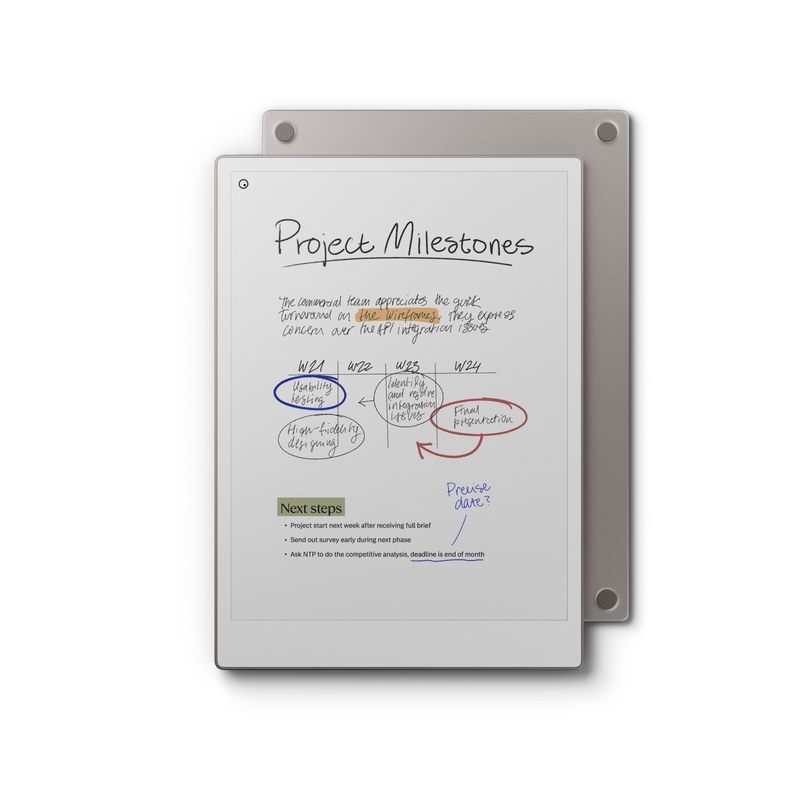
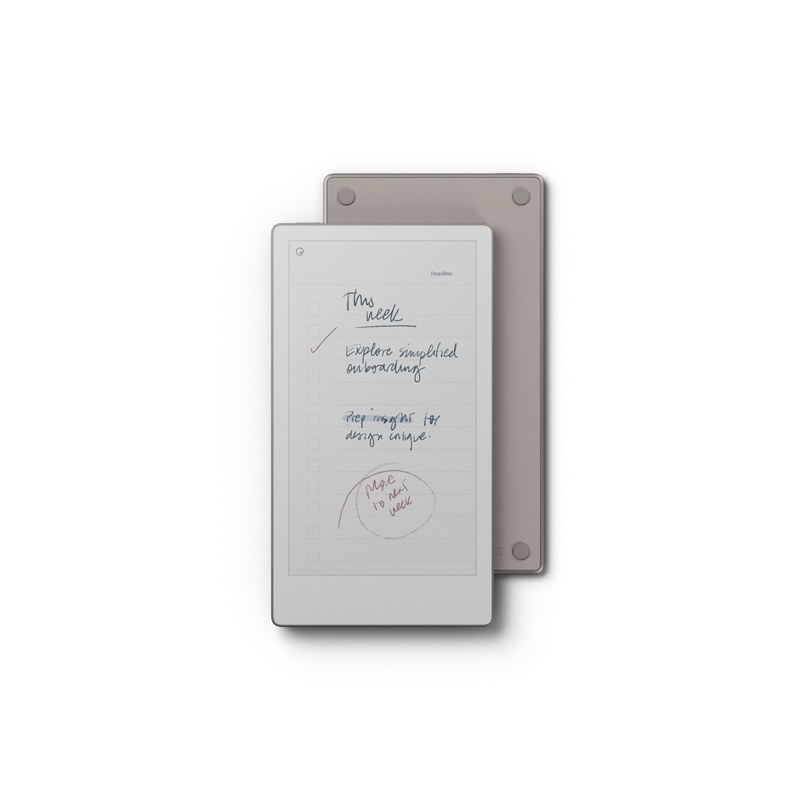
reMarkable lists an 11.8-inch colour Canvas display at 2160 x 1620 (229 ppi), 64 GB of storage, 2 GB of RAM, a 5.1 mm-thin body weighing about 525 g, and a 5,030 mAh battery. reMarkable rates it for up to two weeks of use, with a 0–90% charge in about 90 minutes.
The larger screen is the main draw for reports, since a letter or A4 PDF page displays close to full size. The trade-off is that the device is deliberately limited: no web browser, no app store, no email. That focus is the point for many buyers.
Ongoing cost: reMarkable’s optional Connect subscription adds unlimited cloud storage, handwriting search, integrations and AI tools. Check the current price on reMarkable’s site. The device works without it, though cloud sync and some features are limited.
Consider instead: the reMarkable Paper Pro Move (7.3-inch, 264 ppi, 230 g, per reMarkable) if portability matters more than page size. It is less suited to full-page PDFs.
Kindle Scribe (2025 lineup): reading-first, with the pen included
Amazon Kindle Scribe (check current price)
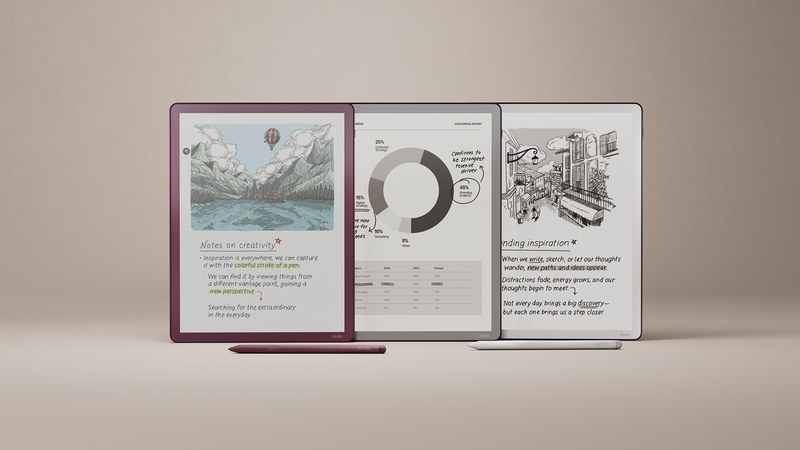
Amazon redesigned the Scribe in late 2025. Its announcement lists a 5.4 mm, 400 g body with a larger 11-inch glare-free display. Amazon says page turns and writing are 40% faster, the glass is texture-molded to reduce slip, and the display stack is rearchitected to cut parallax. A pen that never needs charging is included and attaches magnetically.
The features most useful for paperwork, per Amazon:
- Google Drive and Microsoft OneDrive import, with export of annotated PDFs.
- AI-powered notebook search across your notes, with summaries and follow-up questions.
- Export to OneNote, as converted text or as an embedded image.
- Workspace folders that hold books, documents and notebooks together.
Amazon also lists a version without a front light. Check that product page for storage and price; we could not confirm capacity from Amazon’s announcement alone.
Best for: people who read a lot (books and reports) and want handwriting as a second feature. It’s also the simplest choice if you already live in the Kindle ecosystem.
Kindle Scribe Colorsoft: the same Scribe, with colour
Amazon Kindle Scribe Colorsoft (check current price)
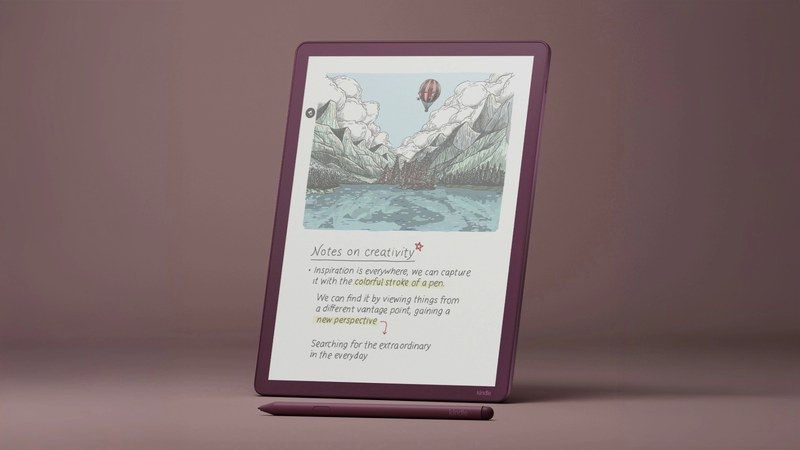
Amazon’s first colour Scribe uses the same design with its Colorsoft display. Amazon highlights 10 pen colours, 5 highlighter colours and a new shading tool. Colour highlighting is useful for coding a report (risks in red, numbers to check in yellow, and so on). Amazon’s announcement does not state a colour-layer ppi; colour e-paper generally renders colour at a lower density than black-and-white. Confirm the figures on the product listing.
Best for: readers who mark up documents in more than one colour and want Kindle simplicity.
BOOX Note Air6 C: the flexible Android option
BOOX Note Air6 C (check current price)
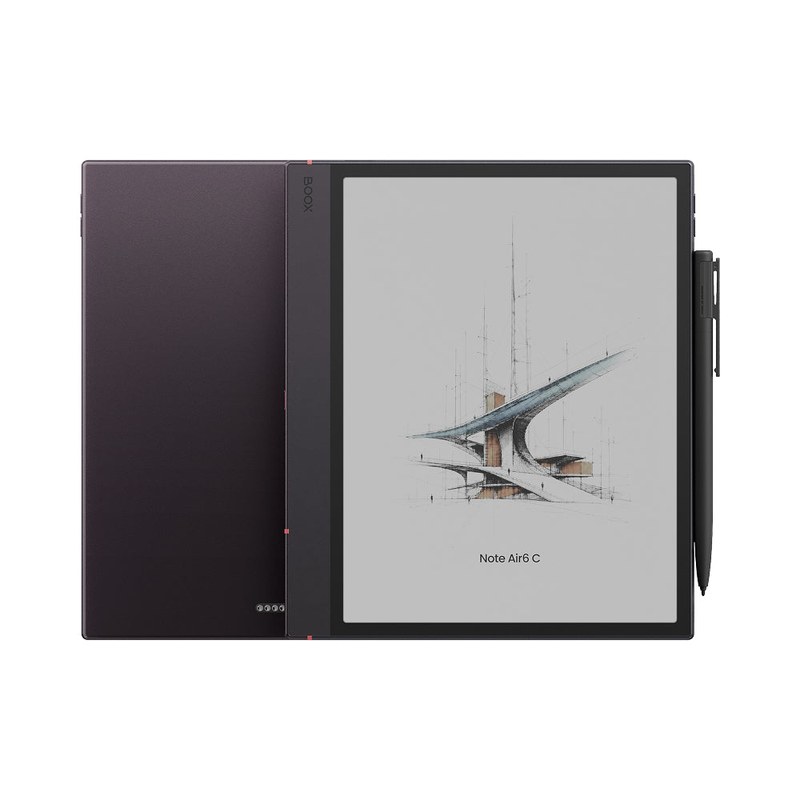
BOOX’s official store lists a 10.3-inch Kaleido 3 colour display at 2480 x 1860 (300 ppi) in black-and-white and 1240 x 930 (150 ppi) in colour. It runs Android 16 with 6 GB of RAM, 64 GB of storage plus a microSD slot, a 3,700 mAh battery and a weight of about 440 g.
Because it runs Android, you can install the apps you already use for documents and storage. That might be a PDF annotator, a cloud drive or a note-taking app, which avoids the lock-in of a closed ecosystem. The trade-offs are a smaller screen than the other two and more setup. Some Android apps also aren’t designed for e-paper refresh rates.
Best for: people who need specific apps on the device, such as a particular cloud drive or PDF tool, or who want expandable storage.
Which one fits your paperwork?
| If you mainly… | Consider |
|---|---|
| Handwrite notes and mark up PDFs, and want no distractions | reMarkable Paper Pro |
| Read long reports and books, with notes as a secondary use | Kindle Scribe |
| Colour-code highlights in documents | Kindle Scribe Colorsoft or BOOX Note Air6 C |
| Need specific apps or cloud services on the device | BOOX Note Air6 C |
| Want to avoid any subscription | Kindle Scribe or BOOX (reMarkable’s Connect is optional but adds cloud features) |
| Carry it everywhere | reMarkable Paper Pro Move (smaller screen) |
A note on confidential documents
If you load client or deal documents onto any of these devices, check where they sync. Each vendor has its own cloud service, and Android apps on the BOOX bring their own policies. Your employer may also restrict which devices and services can hold confidential files.
Bottom line
For marking up full-size reports, the reMarkable Paper Pro has the largest page (11.8 inches) and the most focused writing experience. The Kindle Scribe is the better reader, includes its pen, and imports from Google Drive and OneDrive. The BOOX Note Air6 C is the choice if you need Android apps or microSD storage. Pick by how you work: writing-first, reading-first or app-first.
Sources: reMarkable Paper Pro compare/details page (2160 x 1620, 229 ppi, 64 GB, 5.1 mm, ~525 g, 5,030 mAh); Amazon, “Amazon unveils redesigned Kindle Scribe lineup with first-ever color Scribe” (aboutamazon.com, published September 30, 2025, updated May 12, 2026); Amazon product listing titles for Kindle Scribe 32 GB / 64 GB and Kindle Scribe Colorsoft 32 GB / 64 GB; Tom’s Guide Kindle Scribe (2025) review (300 ppi, 32 GB tested); Good e-Reader coverage of Colorsoft / Scribe availability (300 ppi B&W, 150 ppi colour); BOOX official store, Note Air6 C product page. Checked November 9, 2026.