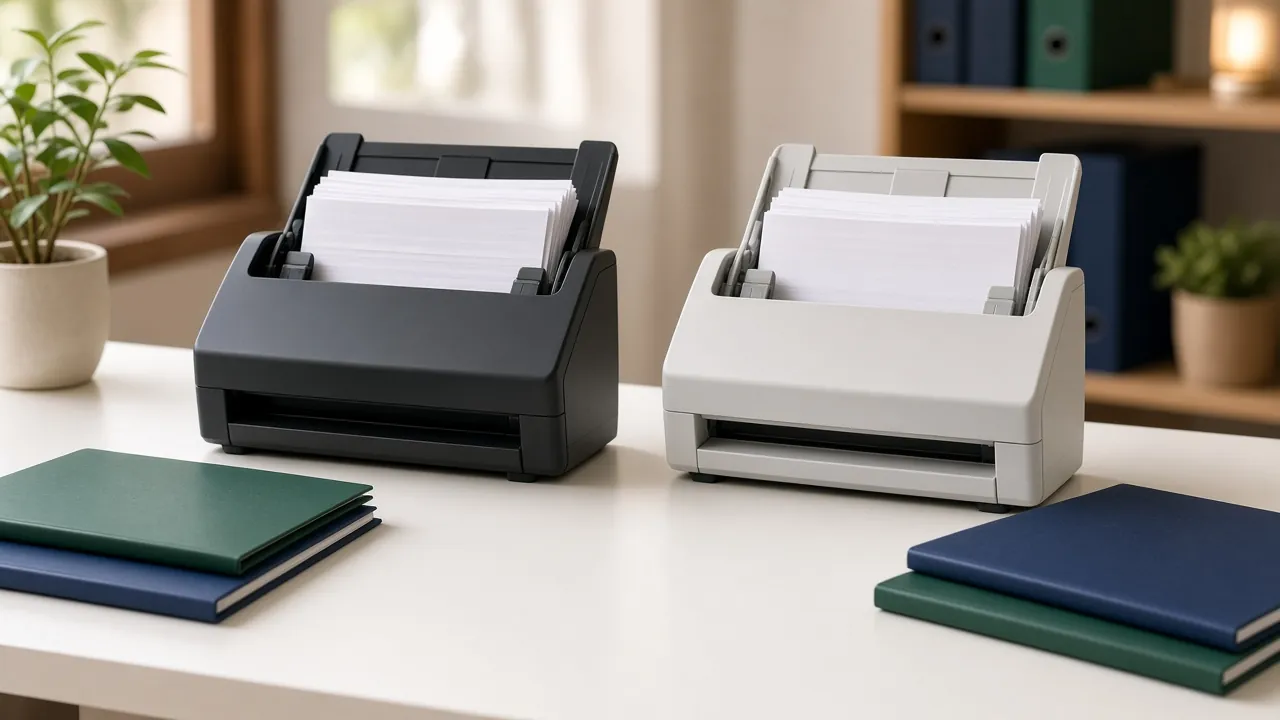
ScanSnap iX2500 vs Epson WorkForce ES-590W: Which Document Scanner Fits a Home Paperwork System?
If you have decided to go paperless (scanning bills, receipts, medical statements and tax documents instead of filing them), two current Wi-Fi touchscreen scanners sit in the same class: the Ricoh ScanSnap iX2500 and the Epson WorkForce ES-590W. Both use a 100-sheet feeder, single-pass two-sided scanning and a colour touchscreen. On a spec sheet they look close. They make different trade-offs, and this comparison focuses on those.
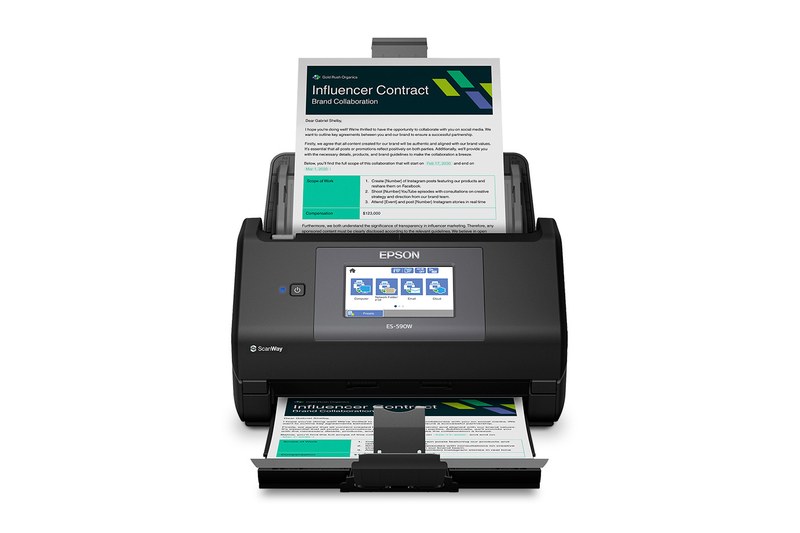
We have not hands-on tested these scanners. Specs below come from Ricoh/PFU and Epson manufacturer pages, cited at the end. For how the iX2500 differs from the discontinued iX1600, see our iX2500 vs iX1600 comparison.
ScanSnap iX2500 (check current price) · Epson WorkForce ES-590W (check current price)
Side-by-side specifications
| Specification | ScanSnap iX2500 | Epson WorkForce ES-590W |
|---|---|---|
| Rated speed (duplex) | 45 ppm / 90 ipm | 45 ppm / 90 ipm |
| Automatic document feeder | 100 sheets (50 with receipt guide fitted) | 100 sheets |
| Manufacturer daily / monthly duty cycle | 7,000 sheets/day (per Ricoh lineup materials cited in prior iX2500 coverage) | Not stated on the Epson product page we opened; retailers list ~4,000 |
| Touchscreen | 5 in IPS, 800 x 480 | 4.3 in colour |
| Wi-Fi | 802.11a/b/g/n/ac/ax (Wi-Fi 6), 2.4 and 5 GHz, WPA3 | Built-in Wi-Fi with WPA2 (Epson product page) |
| Wired connection | USB 3.2 Gen 1, Type-C | SuperSpeed USB 3.x |
| Scan straight to a USB flash drive | No | Yes (PC-free via touchscreen; up to 2 TB, FAT/FAT32/exFAT) |
| Longest document | 3,000 mm (about 118 in) from a PC | Up to 8.5 x 240 in (Epson/retailer listings) |
| Plastic ID cards | Up to 0.76 mm, embossed supported | Embossed cards supported (per class; confirm on listing) |
| Skew / staple protection | Ultrasonic skew detection | TrueFeed skew correction and staple protection (Epson) |
| Bundled software | ScanSnap Home; PDF editing license on some bundles | Epson ScanSmart (AI OCR); TWAIN driver; Smart Panel app |
| Ethernet | No | No |
| Weight | 7.7 lb (3.5 kg) | 8.2 lb (3.7 kg) |
Rated speeds are manufacturer figures at default / 300 dpi letter settings. Prices move often, so check the current price on each link.
Where the iX2500 pulls ahead
Software that sorts documents for you
For a home paperwork system, what happens after you press the button matters more than the hardware. ScanSnap Home recognises documents, receipts and business cards and can name and sort files automatically. Profiles work on the scanner’s touchscreen and on your computer or phone. If you want the scanner to do the filing for you with as little setup as possible, that software is the main reason people stay in the ScanSnap line. See our iX2500 vs iX1600 guide for more on what changed in the current flagship.
A larger touchscreen and newer Wi-Fi
The iX2500’s 5-inch IPS screen is easier to read than a 4.3-inch panel when several people share profiles. Wi-Fi 6 and WPA3 are a security upgrade for a device that handles bank and tax documents. The USB-C connector matches modern laptops (cable often sold separately).
Skew detection that stops a bad feed early
Ricoh adds an ultrasonic sensor that stops the feed if a page is tilted. For mixed household paper (folded letters, receipts and torn-off stubs), that is a meaningful safeguard.
Where the ES-590W pulls ahead
Scanning to a flash drive, no computer needed
Epson’s product page highlights ScanWay PC-free scanning from the 4.3-inch touchscreen directly to email, cloud storage or a USB flash drive. The iX2500 has no equivalent host port. If you want to walk up, scan a stack and leave with a thumb drive, Epson is the clearer fit.
TWAIN and broader document-software hooks
Epson includes a TWAIN driver so third-party document management tools can drive the scanner. ScanSnap Home is closed: Ricoh’s own FAQ notes that the iX2500 does not ship with TWAIN. If your filing software requires TWAIN, Epson (or Ricoh’s fi-series) is the practical path.
Very long documents
Epson rates the ES-590W for pages up to 240 inches long. Ricoh rates the iX2500 for about 118 inches (3,000 mm) from a PC. Long receipts and continuous printouts favour Epson.
Matched speed, lower list price class
Both manufacturers rate 45 ppm / 90 ipm at letter, 300 dpi. Epson announced the ES-590W in May 2026 as a current WorkForce model (alongside the ES-550W and RapidReceipt RR-620W). When we checked, Epson’s US store listed the ES-590W for sale (price shown on the product page).
What we are not claiming
We are not repeating old PCMag lab numbers from the discontinued iX1600 or ES-580W in this comparison. If you want measured speeds for the iX2500 alone, PCMag’s iX2500 review is the place to look; we have not found a matching independent lab review of the ES-590W yet, so treat the speed column as manufacturer-rated, not lab-verified side by side.
Which one should you choose?
| If you… | Choose | Reason |
|---|---|---|
| Want scans sorted and filed with as little effort as possible | iX2500 | ScanSnap Home’s automatic document recognition and profiles |
| Want to scan to a flash drive with no computer involved | ES-590W | Built-in USB host via the touchscreen |
| Need TWAIN for existing document software | ES-590W | TWAIN driver included |
| Scan very long receipts or printouts | ES-590W | 240-inch maximum length |
| Care about Wi-Fi 6 / WPA3 and a larger screen | iX2500 | 5-inch IPS, Wi-Fi 6 |
| Share the scanner among several people | iX2500 | Larger screen and per-user profiles |
A simple paperless setup with either scanner
- One inbox tray. All incoming paper goes there, and nothing else.
- Scan weekly or monthly into a small set of folders: Tax, Home, Medical, Insurance, Vehicles, Receipts.
- Name files consistently, for example
2026-11-03 Utility - Electric bill.pdf. Both bundled apps offer automatic naming that you can adjust. - Keep irreplaceable originals on paper. Deeds, titles, wills and certificates go into a fire-rated box (see our fireproof safe ratings guide).
- Shred what you no longer need after checking how long to keep it (see our shredder buying guide and document retention guide).
- Back up the scans in two places, such as a cloud folder and an external drive.
Bottom line
If you value software that does the organising for you, the ScanSnap iX2500 is the stronger paperwork appliance. If you scan in large batches, want to save to a flash drive without a PC, need TWAIN, or scan very long documents, the Epson WorkForce ES-590W fits better. Both are current 100-sheet, 45 ppm Wi-Fi touchscreen scanners; pick by software and PC-free features, not by the speed line on the box.
Sources: Ricoh/PFU ScanSnap iX2500 global product page (www.pfu.ricoh.com/global/scanners/scansnap/ix2500/); Ricoh ScanSnap iX2500 data sheet (45 ppm, 100-sheet ADF, 5-inch IPS, Wi-Fi 6, USB-C); Ricoh ScanSnap FAQ comparing iX2500 / iX1600; Epson US product page for WorkForce ES-590W (B11B288202); Epson news release, “Epson Unveils New AI-Ready WorkForce and RapidReceipt Desktop Scanners” (May 6–7, 2026). The older iX1600 vs ES-580W comparison remains in the repo as a draft. Checked November 9, 2026.